

Introduction
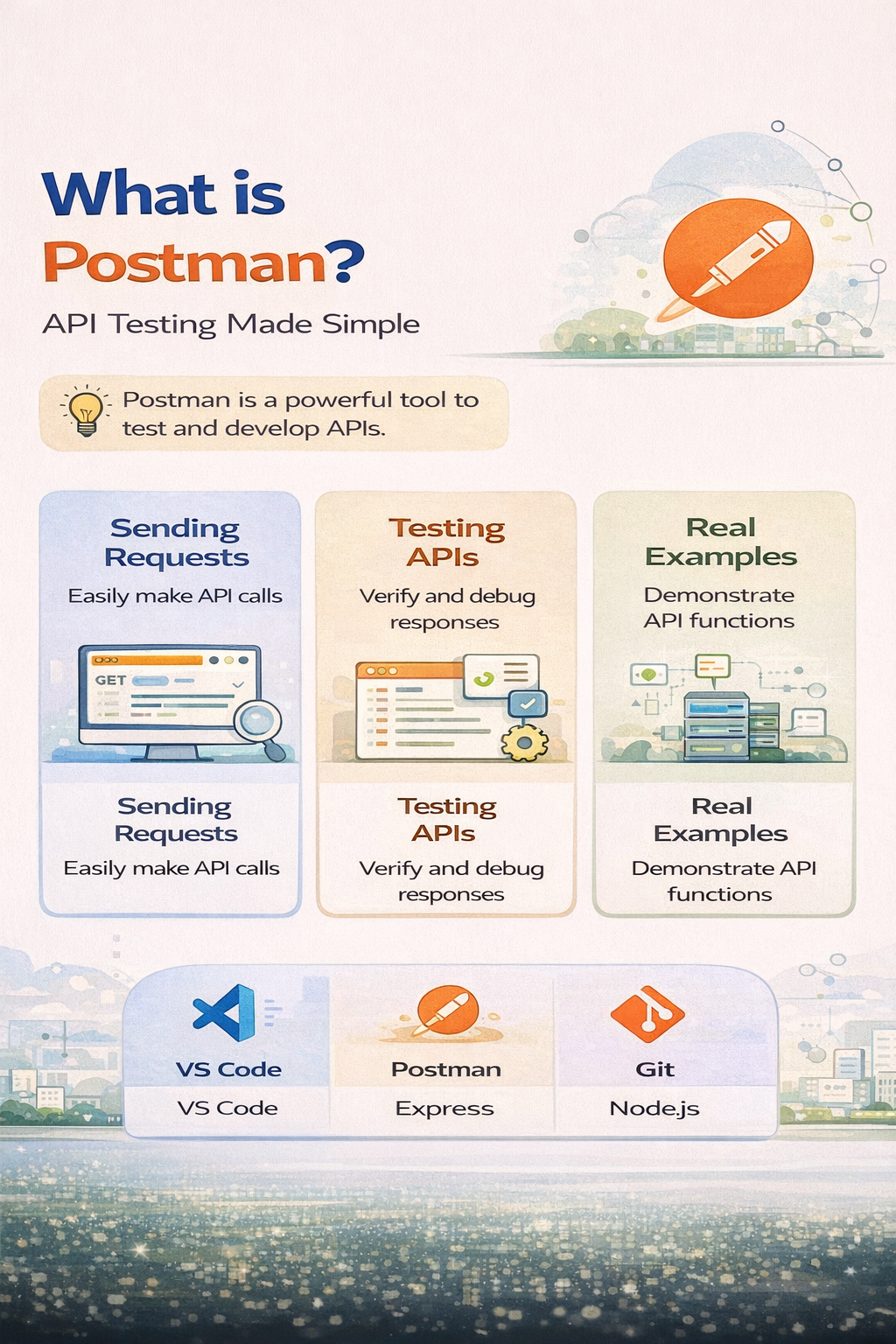
Postman is one of the most popular tools used by developers to test APIs. Whether you are building a backend or working with APIs, Postman makes it easy to send requests and analyze responses.
If you are a beginner in backend development, learning Postman is essential.
What is Postman?
Postman is an API testing tool that allows developers to send HTTP requests and view responses without writing complex code.
It provides a simple interface to test APIs quickly and efficiently.
What is an API?
API (Application Programming Interface) allows communication between frontend and backend systems.
Example:
- A mobile app fetching data from a server
- A website sending login data to backend
Sending Requests in Postman
Postman allows you to send different types of HTTP requests:
Common Request Types:
- GET (Fetch data)
- POST (Send data)
- PUT (Update data)
- DELETE (Remove data)
Example:
GET Request:
Fetch user data from server
POST Request:
Send login details (username & password)
How to Send a Request (Step-by-Step)
- Open Postman
- Select request type (GET/POST)
- Enter API URL
- Click Send
- View response
Understanding Responses
After sending a request, Postman shows:
- Status Code (200, 404, 500)
- Response Data (JSON format)
- Headers
- Time taken
This helps developers debug and verify APIs.
Testing APIs with Postman
Postman is not just for sending requests—it is also used for testing APIs.
Features:
- Automated tests
- Environment variables
- Collections for organizing APIs
Why Testing is Important:
- Ensures API works correctly
- Detects bugs early
- Improves reliability
Real Examples of Postman Usage
1. Login API Testing
Send username and password using POST request and verify response.
2. Fetch Data from Server
Use GET request to retrieve user or product data.
3. Update User Profile
Use PUT request to update user information.
4. Delete Data
Use DELETE request to remove records.
Why Developers Use Postman
- Easy to use interface
- No coding required for testing
- Fast debugging
- Supports automation
Advantages of Learning Postman
- Essential for backend developers
- Useful for frontend developers
- Improves debugging skills
- Industry-standard tool
Conclusion
Postman is a must-have tool for anyone working with APIs. It simplifies API testing and helps developers build reliable applications.
Start learning API testing with Mango Engineers and become industry-ready.