

Introduction
When building modern applications, developers rely on many external libraries and tools. Managing these libraries manually can be difficult. This is where package managers like npm come into play.
In this guide, you will learn what npm is, how it works, and how developers use it to manage dependencies efficiently.
What is npm?
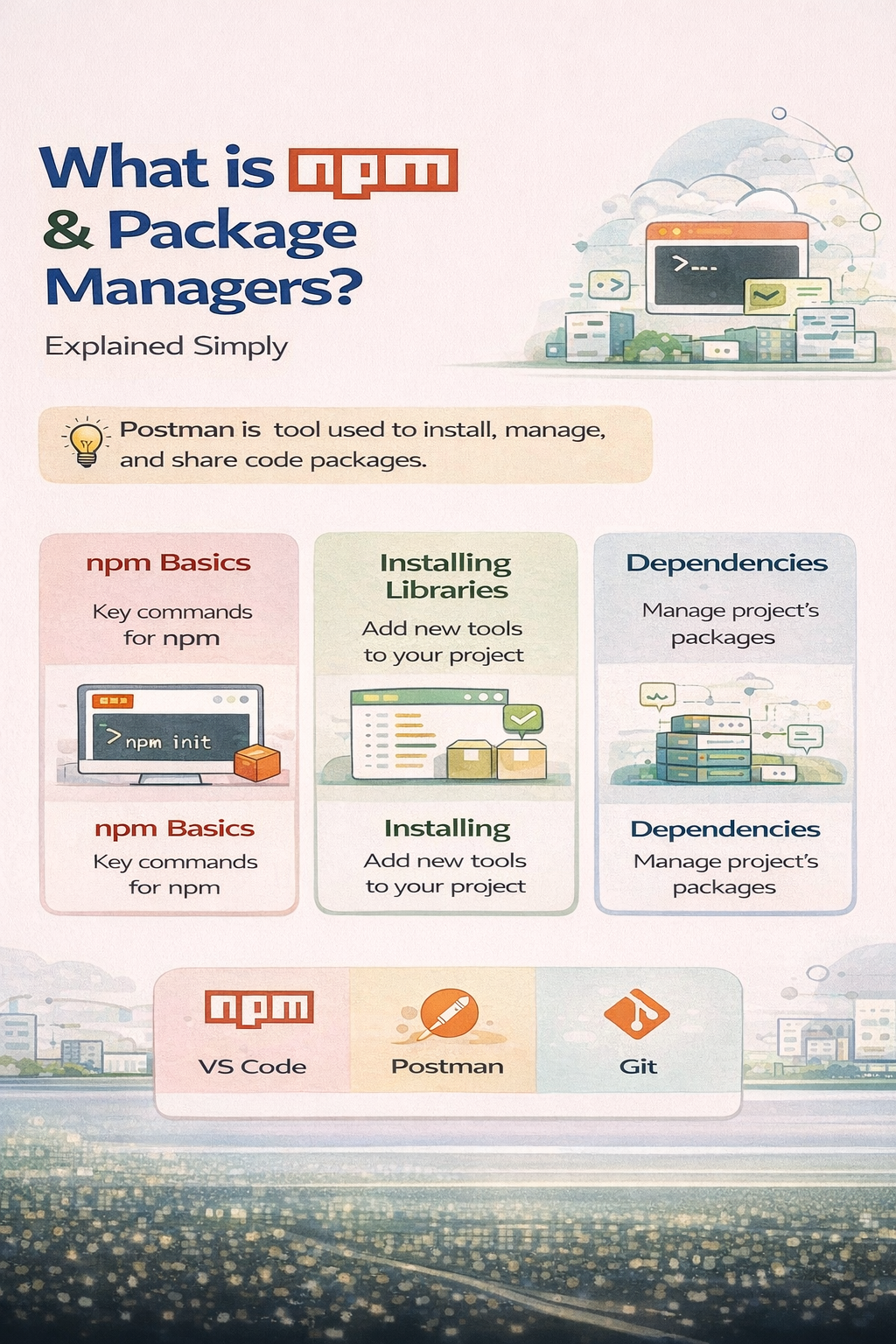
npm (Node Package Manager) is the default package manager for Node.js. It helps developers install, manage, and share reusable code packages.
These packages are also called libraries or modules.
What is a Package Manager?
A package manager is a tool that helps you:
- Install libraries
- Update them
- Manage dependencies
- Remove unused packages
Instead of writing everything from scratch, developers use existing packages to save time.
npm Basics
1. Initialize a Project
npm init
This creates a package.json file which stores project details and dependencies.
2. Install a Package
npm install express
This installs the Express.js library into your project.
3. Install as Dev Dependency
npm install nodemon --save-dev
Used for development tools only.
4. Run Scripts
npm start
Runs predefined scripts from package.json.
Understanding Dependencies
Dependencies are external libraries your project needs to run.
There are two types:
1. Dependencies
Required for production
2. Dev Dependencies
Required only during development
Example in package.json:
"dependencies": {
  "express": "^4.18.2"
},
"devDependencies": {
  "nodemon": "^2.0.22"
}
Installing Libraries in npm
Popular Examples:
- express → Backend framework
- mongoose → Database connection
- lodash → Utility functions
Command:
npm install <package-name>
Why npm is Important
- Saves development time
- Provides reusable code
- Huge ecosystem (millions of packages)
- Easy dependency management
Real Use Cases
1. Building Backend APIs
Install Express to create servers.
2. Connecting Database
Use Mongoose for MongoDB integration.
3. Utility Functions
Use Lodash for common programming tasks.
Advantages of Using Package Managers
- Faster development
- Organized project structure
- Easy updates
- Community support
Conclusion
npm is an essential tool for modern developers. It simplifies the process of installing and managing libraries, making development faster and more efficient.
If you want to become a full-stack developer, mastering npm is a must.
Start learning with Mango Engineers and build real-world projects.