

Introduction
Every developer needs the right set of tools to write efficient code, test applications, and manage projects. Whether you are a beginner or an experienced developer, understanding these essential tools can significantly boost your productivity.
In this guide, we will explore three must-know tools: VS Code, Postman, and Git.
Why Developer Tools Are Important
Developer tools help you:
- Write clean and efficient code
- Debug applications easily
- Collaborate with teams
- Manage projects effectively
1. Code Editor – VS Code
VS Code (Visual Studio Code) is one of the most popular code editors used by developers worldwide.
Key Features:
- Lightweight and fast
- Supports multiple programming languages
- Extensions for customization
- Built-in terminal
- Debugging support
Why Use VS Code?
It provides a powerful environment for writing and managing code efficiently. With extensions, you can turn it into a complete development environment.
2. API Testing Tool – Postman
Postman is a tool used for testing APIs.
What is an API?
An API allows communication between frontend and backend systems.
Key Features:
- Send GET, POST, PUT, DELETE requests
- Test backend APIs easily
- Save and organize requests
- Automation and testing features
Why Use Postman?
It simplifies backend testing and helps developers debug APIs quickly.
3. Version Control – Git
Git is a version control system used to track changes in code.
Key Features:
- Track code history
- Collaborate with teams
- Manage different versions
- Branching and merging
Why Use Git?
It allows developers to work together without conflicts and keeps code safe.
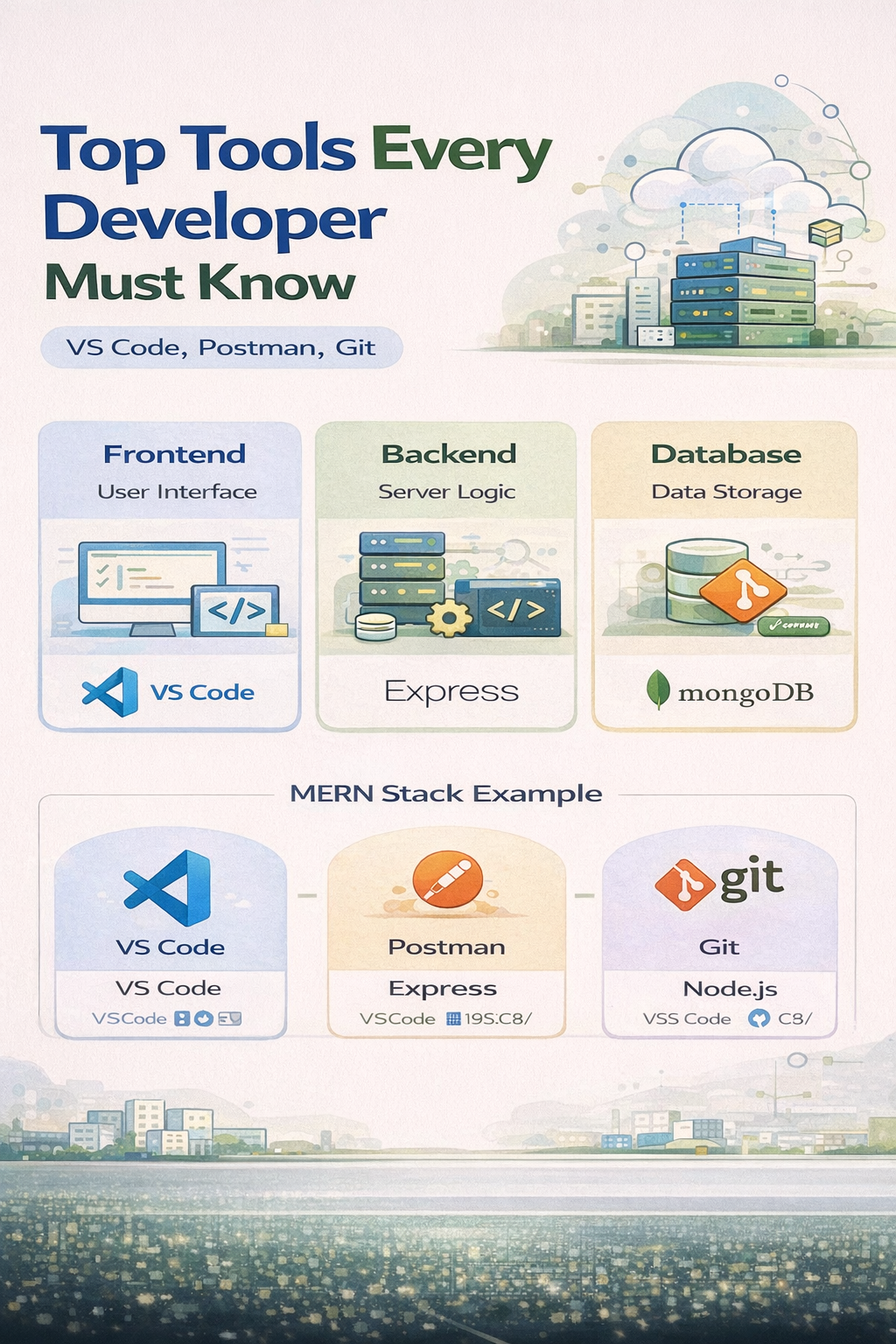
How These Tools Work Together
- Write code using VS Code
- Test APIs using Postman
- Manage and track code using Git
This combination creates a complete development workflow.
Real Use Case Example
Imagine building a web application:
- Use VS Code to write frontend and backend code
- Use Postman to test backend APIs
- Use Git to manage your project and collaborate with team members
Advantages of Learning These Tools
- Increases productivity
- Makes debugging easier
- Improves collaboration
- Industry-standard tools
Conclusion
VS Code, Postman, and Git are essential tools every developer must learn. They form the foundation of modern software development workflows.
Start using these tools with Mango Engineers and become a professional developer.