

Practical technology learning
S3 Versioning: Distinguish a Delete Marker from Deleting a Specific Version
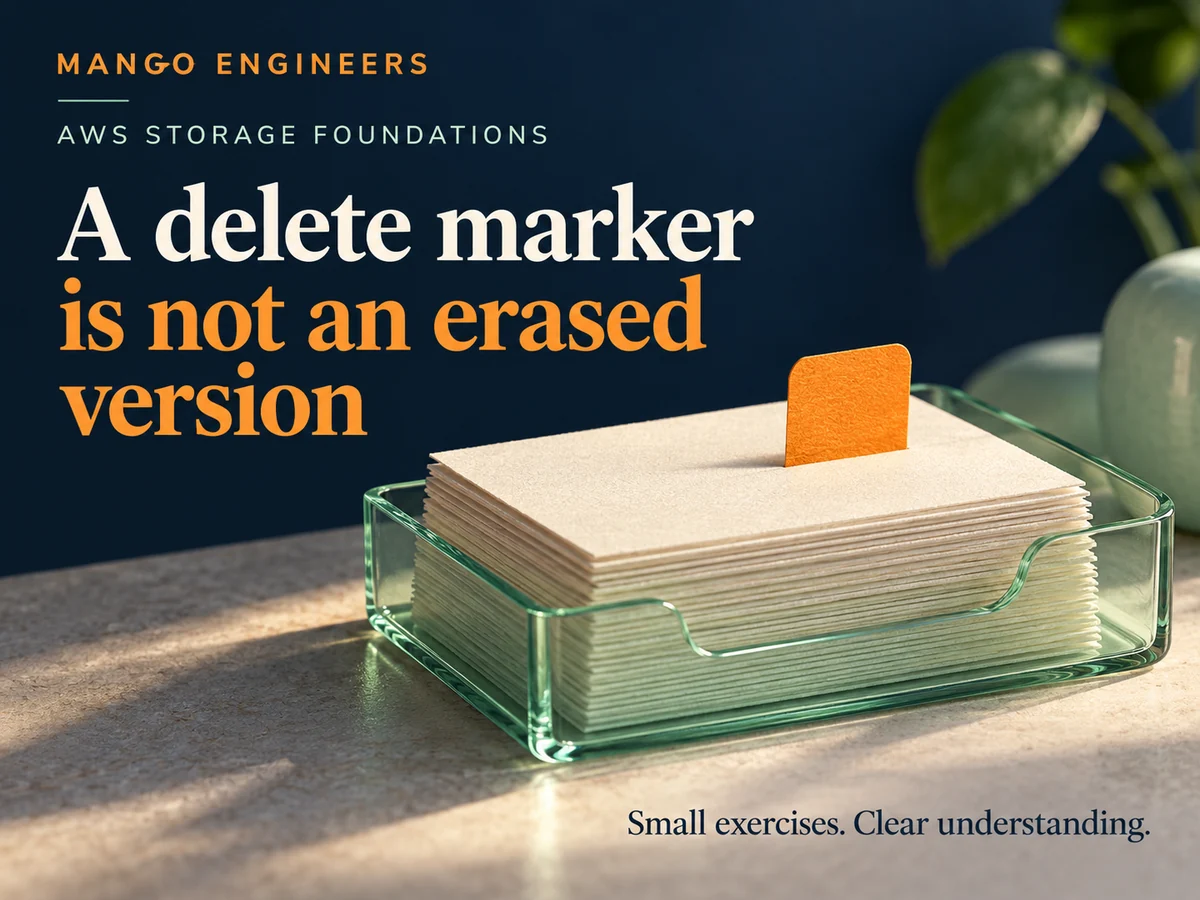
Read a version history before interpreting the word “deleted”. A paper exercise with one fictional S3 key is enough to distinguish the current object view from retained earlier versions. This guide focuses on a versioning-enabled general purpose bucket and does not instruct changes to a production account.
Create a fictional version history
Label one object key and two invented version identifiers. Mark the second data version as current. Record that both versions contain fictional content, then add a new current entry described as a delete marker.
Use the worksheet to explain state, not as a real cloud command sequence. Keep versioning-enabled behaviour separate from unversioned or suspended-versioning cases, which require their own reading and expectations.
Distinguish the current view from retained data
AWS documents that a simple delete without a version ID can insert a delete marker for a versioning-enabled object. The marker has a key and version ID but no object data. Earlier data versions are a separate part of the history.
If the current version is a delete marker, an ordinary retrieval without a version ID behaves as not found. That observation does not by itself establish that every older data version has been permanently erased.
Make version-specific questions explicit
Add a worksheet column for whether a request specifies a version ID. Distinguish asking for an earlier data version from asking for the current object view. Identify the required permission as a separate condition rather than assuming that knowing an identifier grants access.
Deleting a specific stored data version is different from adding a current delete marker. Do not treat a deletion demonstration as harmless merely because the bucket has versioning enabled.
Review the limits of a recovery claim
Ask which earlier versions still exist and whether lifecycle, retention or other account policies affect the scenario. Version history is evidence to inspect, not a guarantee that every previous value will remain indefinitely or can always be restored.
Before a later authorised lab, define disposable data, expected outcomes and cleanup boundaries. Keep useful data and production buckets outside the first experiment. This article does not claim that any AWS operation was executed or that versioning alone is a complete backup design.
Review the version-history worksheet
- The bucket versioning state is stated.
- Current markers and data versions are labelled separately.
- A request’s version-ID choice is explicit.
- Permissions and policy limits are considered.
- Recovery claims match the versions actually retained.
Connect the exercise to cloud foundations
Explain the history in plain language before using a cloud console. Mango Engineers’ AWS course includes storage and S3 concepts; discuss the current prerequisites, cost-awareness guidance and practical lab scope with the team.