

Practical technology learning
JavaScript Fetch: Plan HTTP Errors, Empty Results and Failed Connections
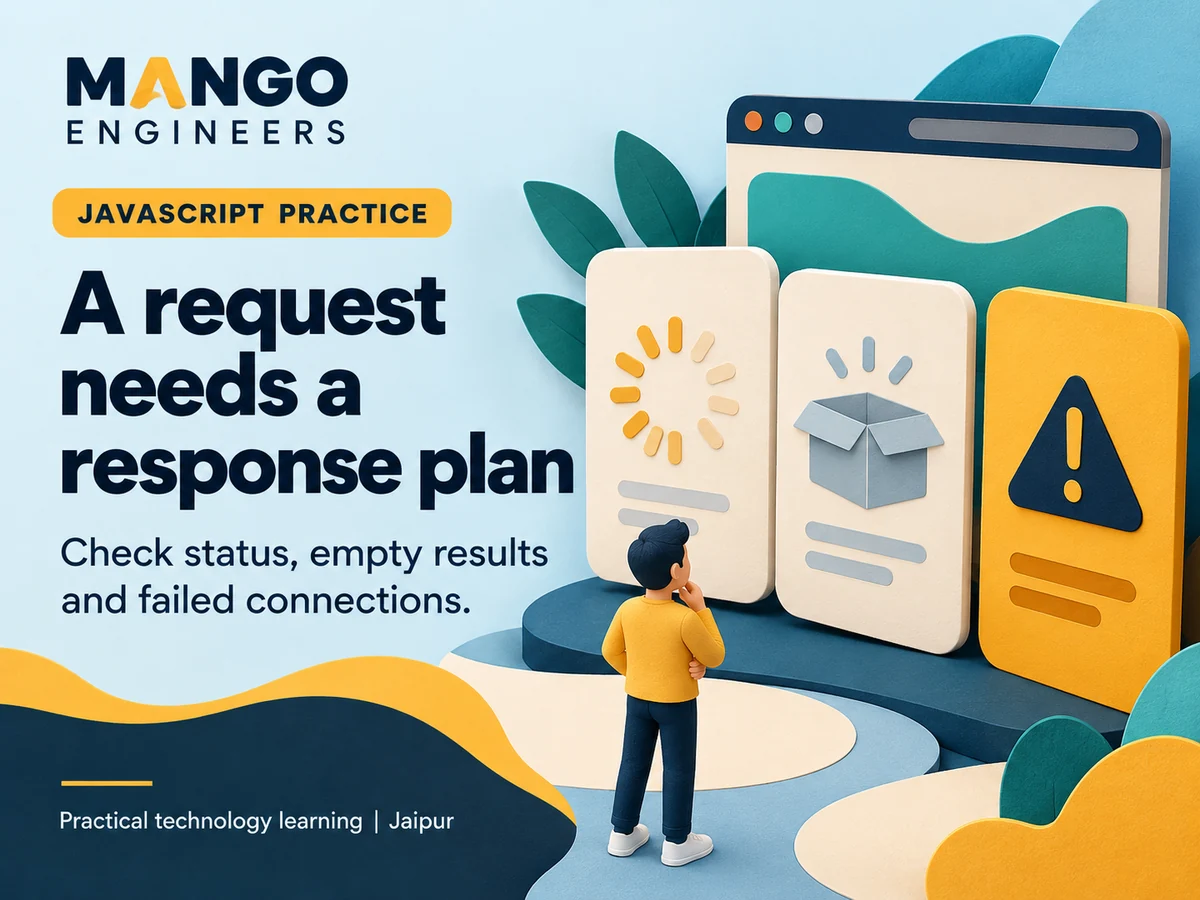
A successful network request is not the same as a useful result on screen. Build a small course-list exercise that distinguishes an HTTP error, an empty response and a connection failure. Use a local mock endpoint and invented records so you can reproduce each case without changing a production website.
Describe the screen before writing the request
Limit the first version to a list of course names and one retry control. Write the expected states: waiting, showing results, showing no results and showing a recoverable error. Keep those states separate even if the first design uses only plain text.
Decide which fields the interface needs. For example, each sample item can contain an ID and display name. Do not add personal enquiry data just to make the exercise feel realistic.
Separate transport failure from HTTP status
A fetch promise can resolve when the server returns an HTTP error such as a missing resource. Check response.ok or the relevant status before using the result. A rejected promise can instead reflect a network-level problem or another failure during the operation.
Give each situation an appropriate explanation. A page with no matching courses is different from a page that could not reach the service. Do not label every problem 'No results'.
Check what the response actually contains
JSON parsing and response validation answer different questions. Parsing tells you whether the content can be interpreted as JSON; your application must still check whether it has the fields and types the screen expects.
Create one deliberately incorrect mock response, such as an object where a list is expected. The interface should show a useful fallback instead of crashing while it tries to render items.
Make waiting and retry behaviour predictable
Finish the loading state whether the operation succeeds or fails. Avoid leaving the spinner visible because one error path did not update the state. Guard against repeated requests if a user can activate the retry button quickly.
If several searches can overlap, decide how the interface prevents an older response from replacing a newer one. Cancellation or an explicit request-order check can be a later extension once the basic exercise works.
Use a small acceptance table
- A successful response displays the expected invented items.
- An empty list displays an intentional empty state.
- An HTTP error does not become a success message.
- An invalid response shape does not break rendering.
- A connection failure offers a useful next step.
- Every completed request clears the waiting state.
Explain the boundary in your project notes
Keep the mock responses and expected screen states beside the project. Describe which failures you tested and which remain outside the exercise. A screenshot alone does not demonstrate that the error paths work.
Mango Engineers' full stack learning path includes frontend and API-oriented foundations. Discuss the current JavaScript prerequisites and practical scope with the team rather than assuming that every framework or feature is included.