

Practical technology learning
Write a Project README That Helps Someone Run and Review Your Work
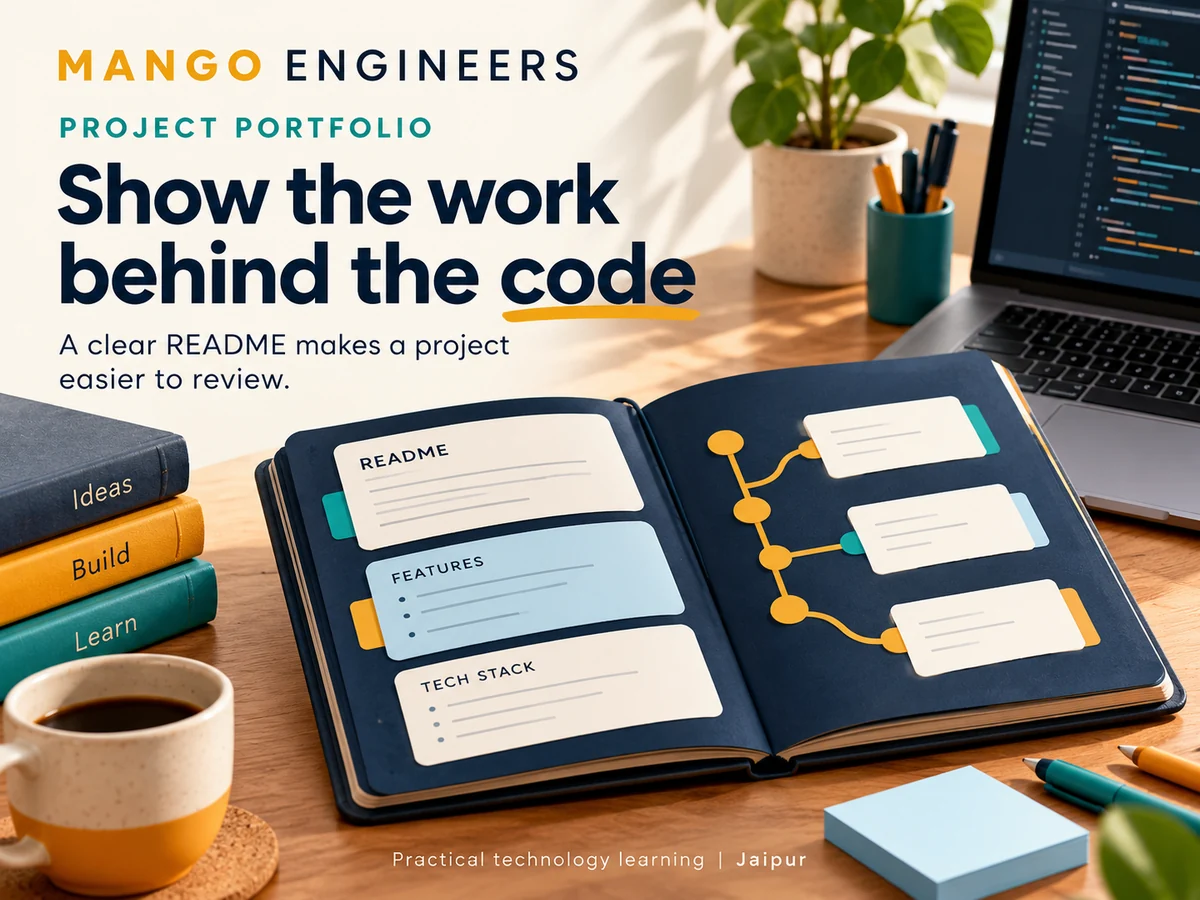
A repository is easier to assess when its README answers practical questions quickly. What does the project do? How can someone run it? What has actually been checked? This exercise creates documentation for one small project you built. It does not require claiming employment, placement or commercial deployment.
Start with the implemented problem
Write a short description of the problem and the current working version. For a task tracker, describe the features that exist today, such as adding and viewing tasks. Put proposed features in a separate future-work section.
Avoid presenting a tutorial copy as an original commercial product. If you followed a guide, explain what came from it and what you changed. A clear account of your contribution is more informative than a large technology list.
Make setup repeatable
List the runtime versions you actually used, dependency installation steps and commands to start the project. Explain whether the frontend and backend run separately. Include the expected local address and how to stop the services.
Provide an example configuration file containing placeholders. Never include real passwords, API tokens or private connection strings. Explain which values a reviewer must supply and which features cannot run without them.
Include a small sample workflow
Use invented data and walk through one feature from start to finish. State the expected result so a reviewer knows what success looks like. If a database needs initial sample records, describe how to load only the synthetic dataset.
Screenshots should match the current implementation. Add useful alternative text and avoid screenshots containing real messages, student details or credentials. A screenshot demonstrates appearance, not that every interaction works.
Explain checks without overstating them
List the checks you actually ran and what they establish. For example, a valid-task check, an empty-title rejection and a failed-request scenario say more than 'fully tested.' Include commands where the checks are automated.
Keep environmental limitations visible. A local browser check does not prove production reliability, and one desktop screenshot does not establish mobile accessibility. Say what remains unverified.
Describe decisions and limitations
Explain one design trade-off, such as using a local file instead of a database for the first version. State the consequences and the point at which you would revisit it.
Be specific about missing features. If the application has no authentication, say so. Do not place an open demonstration with real personal data online merely to make the portfolio appear more realistic.
Use a clean-folder review
- Ask a reviewer to start without your local dependencies or hidden configuration.
- Follow the documented installation steps exactly.
- Run the sample workflow and compare the expected result.
- Check links, image paths and configuration placeholders.
- Record the first point of confusion and improve that instruction.
- Credit external code, designs and assets under their actual licences.
Keep documentation beside the project
GitHub can surface a repository README so visitors can understand its purpose and use. Keep it up to date when the implementation changes. A short accurate guide is better than a long description of features that do not exist.
For broader planning, use Mango Engineers' existing industrial-training guidance to discuss project scope and deliverables. Confirm the current training arrangement, eligibility and availability with the team.