

Practical technology learning
Docker Images and Containers: Rehearse a Small Lifecycle Lab
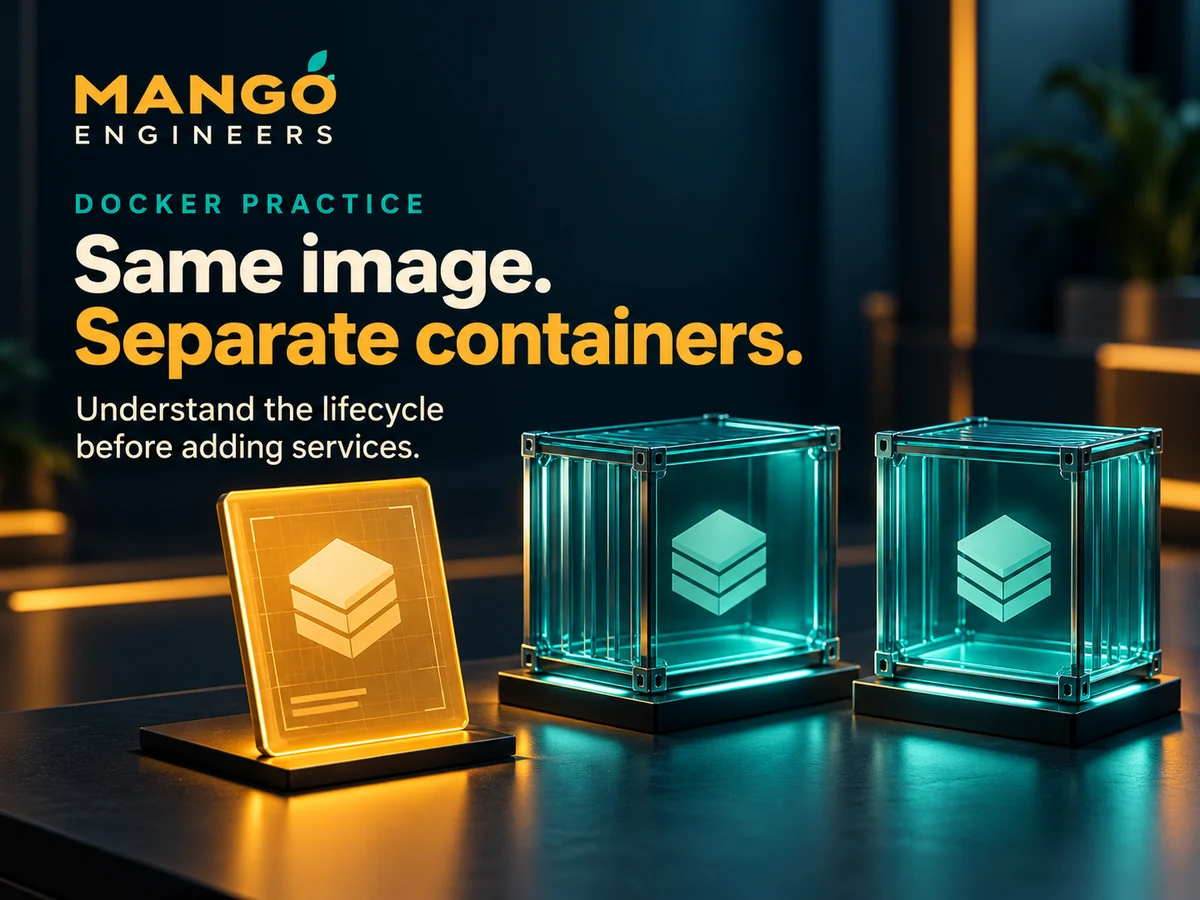
A small lifecycle experiment can make Docker terminology easier to explain. Start with one image and two disposable containers, then observe which state belongs to each. Use a local environment prepared for learning and no sensitive data. This is an exercise plan, not an instruction to modify a production service.
Identify the image before running it
Record the image publisher, reference and documentation you intend to use. A container image packages the files, libraries and configuration needed for a container. It is not the same thing as a particular running process.
Treat a tag as a reference that can change rather than a permanent description of identical content. If reproducibility matters to the exercise, record the image identity you actually used.
Create a clear observation plan
Give the two practice containers different names and write down what you expect to observe. Use the same image for both so the experiment focuses on instance state rather than on differences between images.
Do not begin by adding multiple services, custom networks and a database. Those can be later exercises. A small lab is easier to review when one change has one understandable effect.
Distinguish stopping from removal
Observe a running container, stop it and inspect its state before starting it again. Stopping a container is different from removing it. Keep a short record of the transitions rather than relying only on a screenshot of a successful start.
Use disposable files to explore the writable layer. A change inside one container should not be assumed to appear in another container created from the same image. Explain why the instance boundary matters.
Keep persistent data explicit
If you add a volume, document its name, purpose and lifecycle separately. Removing a container and removing separately managed persistent data are different operations; do not assume one action always performs both.
A volume is also not automatically a backup. For this beginner exercise, use only invented data and make the cleanup plan clear before creating additional resources.
Check the result against the prediction
- Both containers use the intended recorded image.
- Each container has a separate identity and observable state.
- Stopping and removing are described as different operations.
- A disposable file change is traced to its actual storage location.
- Any volume is documented independently.
- The final cleanup removes only the lab resources you intentionally created.
Write down the remaining limits
A lifecycle lab does not prove that an application is secure, production-ready or correctly backed up. State what you tested and what you did not. Keep real secrets and private records out of both images and demonstration data.
Mango Engineers offers a Docker learning path connected to broader technology training. Discuss the current Linux prerequisites, application exercises and DevOps scope with the team before selecting a batch.